Text and Image
This section contains a range of templates that you can use to add text, an image and file attachments to a page. Each template differs in terms of layout, providing you with considerable choice. With so many templates to choose from, you will be able to find one that suits your needs! You can also change the page template easily without having to add your content again.
How do I add a template?
Click on the  button that appears when you hover over a template in the Playlist Editor.
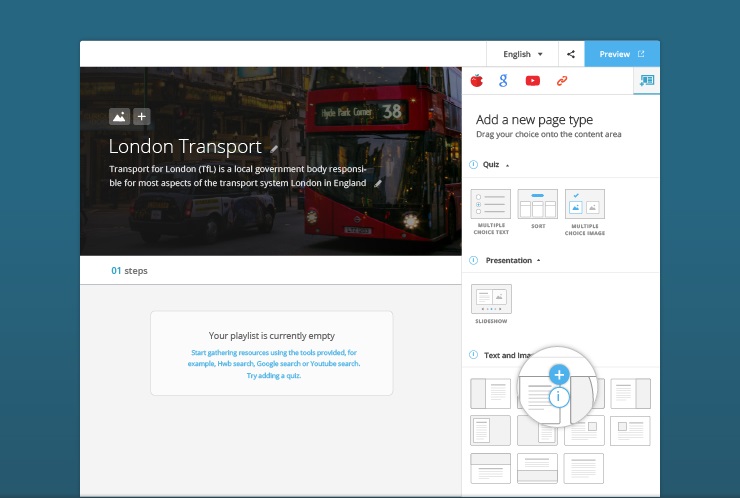
When you do this, the selected template will appear in the Playlist Storyboard.
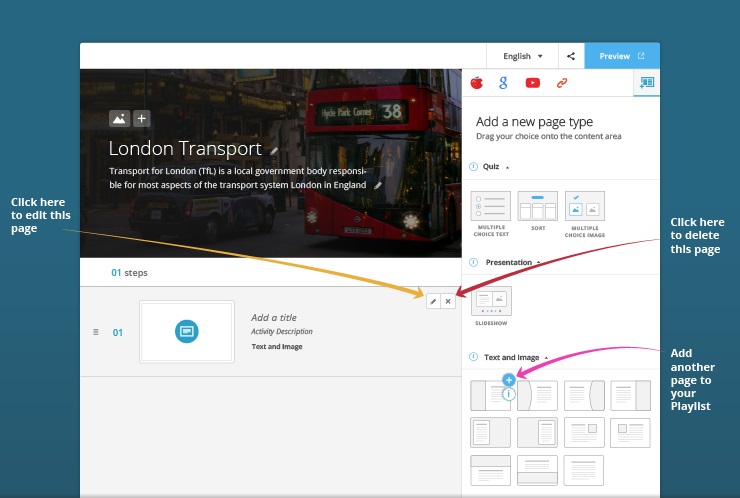
How do I author a page with text and an image?
Choose a template with text and an image and add it to the Playlist Storyboard, then click on and author the page as shown below:
